Ru
 Our channel
Speech: AI Meeting Transcription
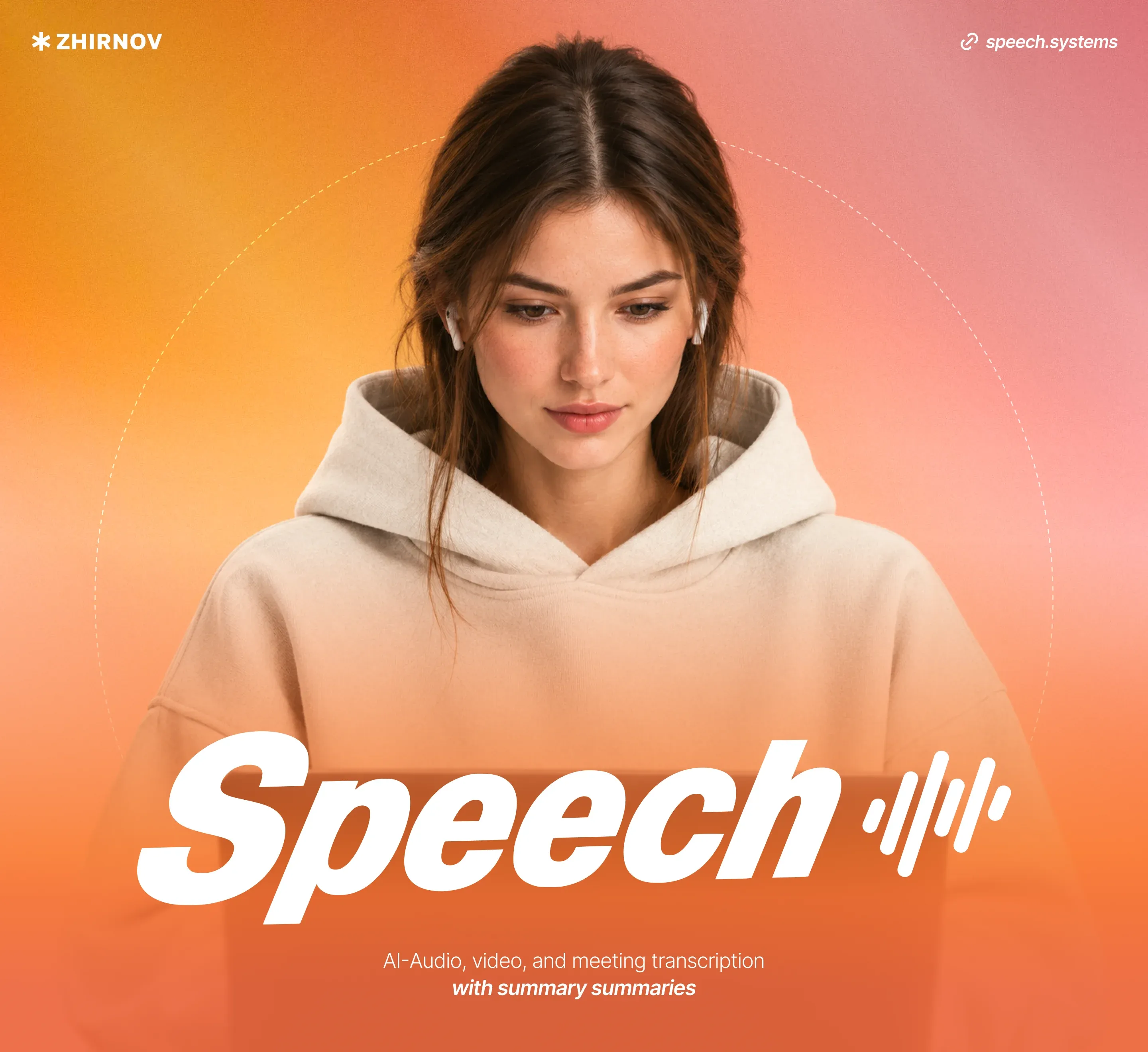
An intuitive and fast AI service for meeting transcription. We developed and designed a simple, convenient, and most importantly, fast transcription service. Among the cool features — automatic transcription cleanup and built-in AI analytics.
Hi, we're ZHIRNOV, a design and development studio. We create websites, corporate and B2C services and applications from scratch. We design interfaces and brand identity, develop brand systems and guidelines, integrate AI solutions. Our clients include T-Bank, Raiffeisen Bank, VKontakte, 2GIS and Rostelecom.
Why we made another transcription service
First, we got tired of having to relisten to call recordings. Transcribers constantly malfunction: they add repeats where there aren't any or simply skip entire chunks of the meeting.
In the end we got frustrated — and decided to build our own service from scratch.
And like many others, we got used to using several services at once. One — for transcribing calls. Second — an AI chat for analysis and summarization. And third — to manually transfer tasks and agreements discussed at the meeting. We decided to bring all the useful features into one product.
In short, we made a service we'd want to use ourselves.
The branding reflects the main values — friendliness and responsiveness
Everything in friendly light tones (we call them peach-mandarin). Looks trendy but not off-putting.
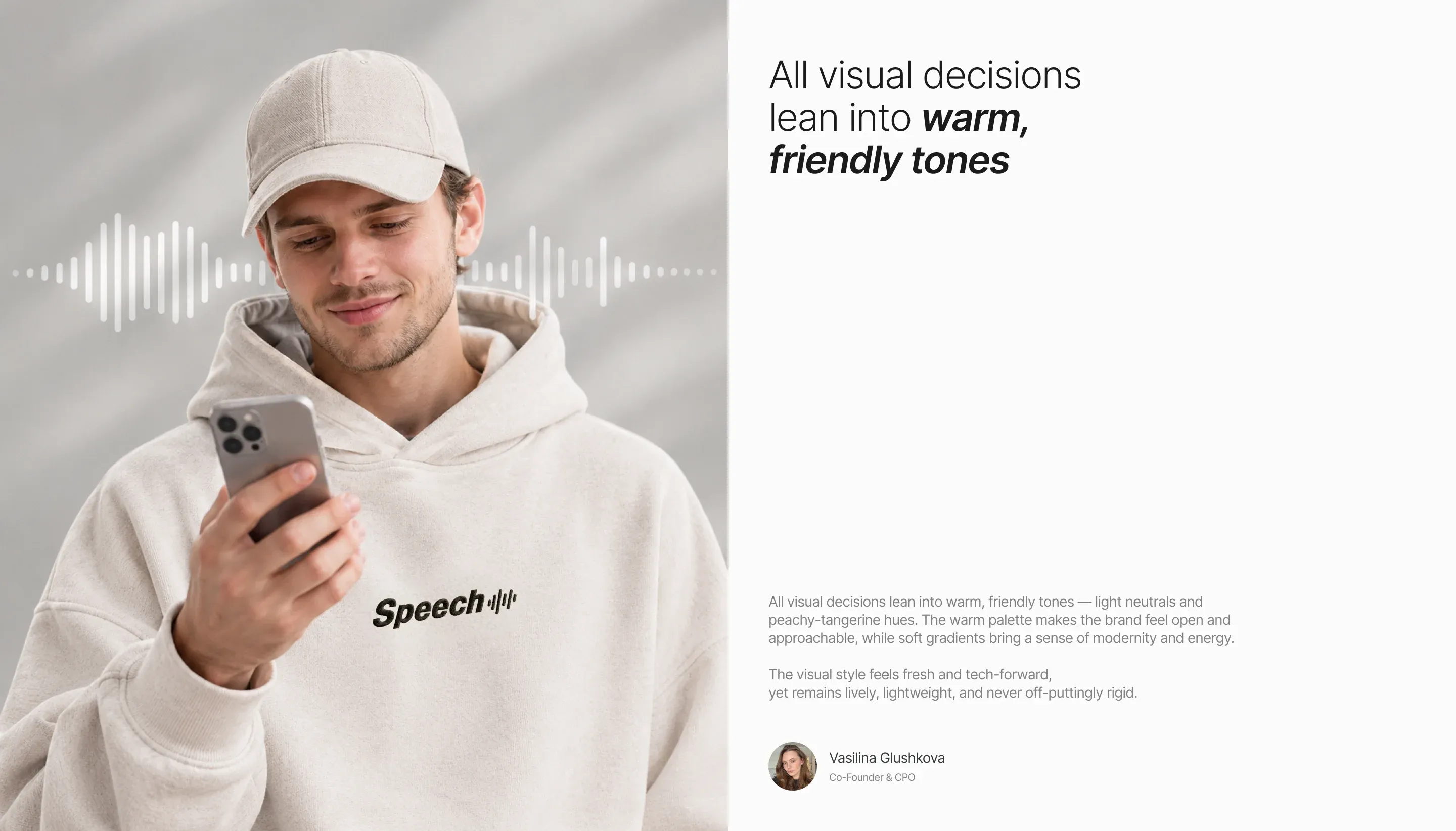
The logo is modern and without complex metaphors. Next to the name — a radio wave icon. Actually, we think Speech is brilliant naming. We comply with the law on Russification, and it will be convenient to scale internationally.
We added micro-animations to every interaction: hover your cursor over a profile card — and immediately see key information. We paid attention to large clickable areas. We deliberately leave plenty of space for clicking, so it's easy to hit the right button from any device.
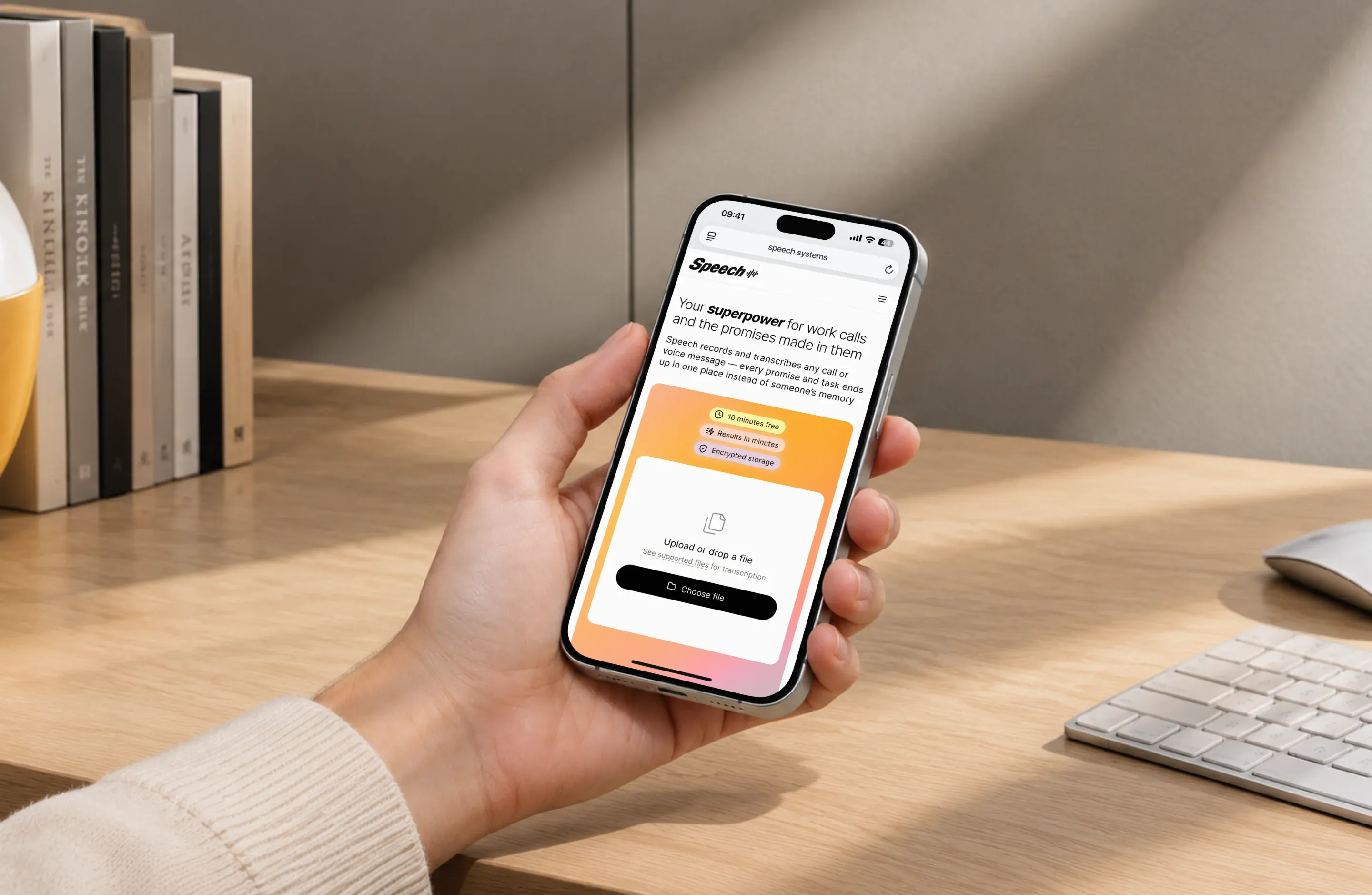
Test drive the service — right on the landing page's first screen
To try the service, you don't need to register — the user simply drags a file into the window or pastes a recording link.
In test mode, only the first 10 minutes of the recording are transcribed. If the user wants to download the result or get a full transcription, they'll need to register. After subscribing, the file continues to be transcribed from where the transcription stopped — the test 10 minutes remain free.
The ideal user journey looks roughly like this:
- Came to the site and got the first 10 minutes without registration
- Wanted more — registered and bought a subscription
- The transcription is already waiting for the user in their personal account
On the landing page we consistently tell about the service: we show key features (for example, the ability to share a link to the transcription) and pricing plans.
There are only three pricing tiers. Start — for those who have just a couple of meetings a week. Pro — for those who barely get off calls. And Business — for corporate clients. There's no fixed price here because each team has different needs.
We developed an interface that anyone can figure out
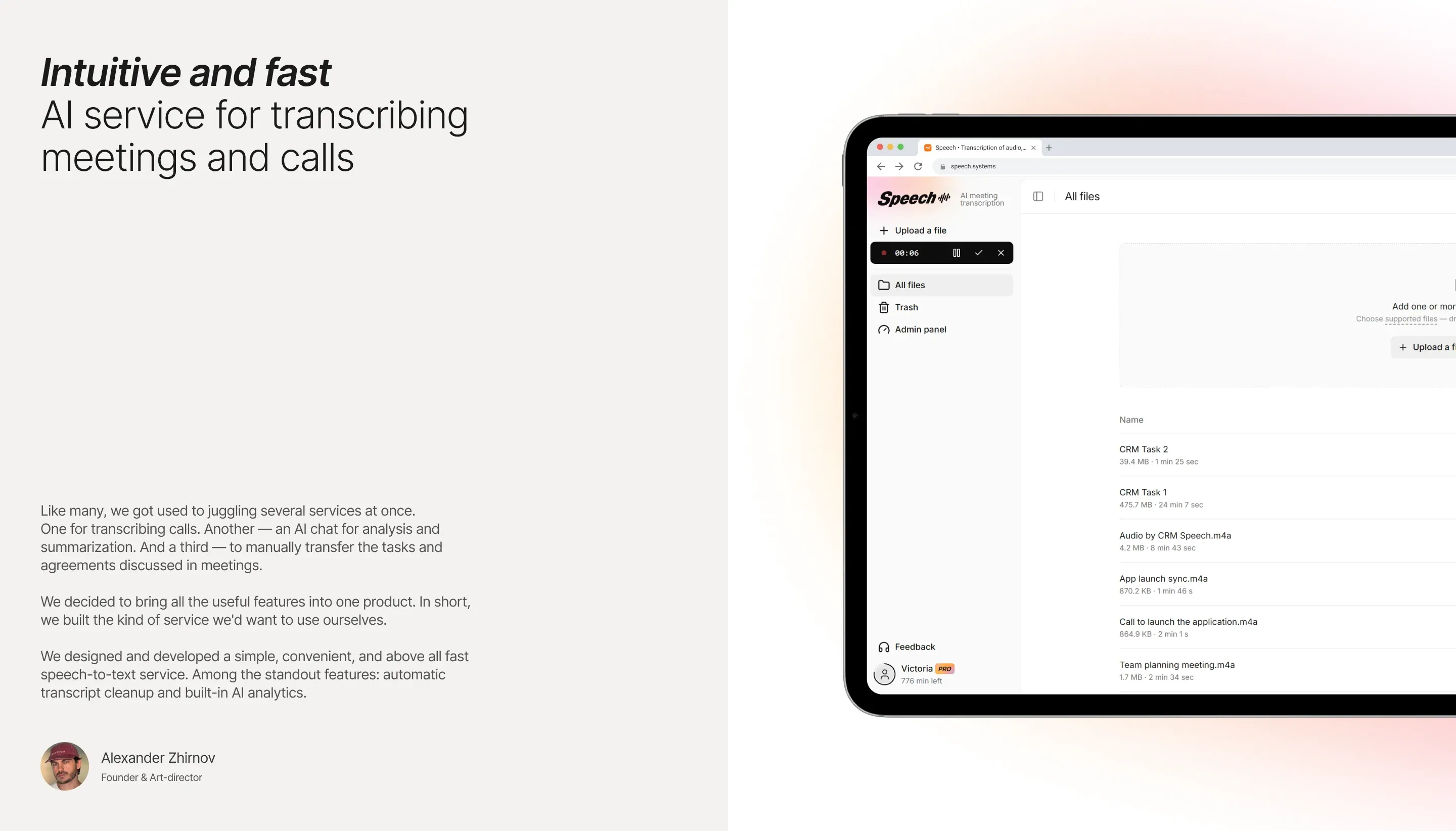
We wanted the service to be easy to start using right away, without instructions. So we made the interface as intuitive as possible. In the top left corner we added a basket and admin panel. Here you can also add a new file or link and go to storage.
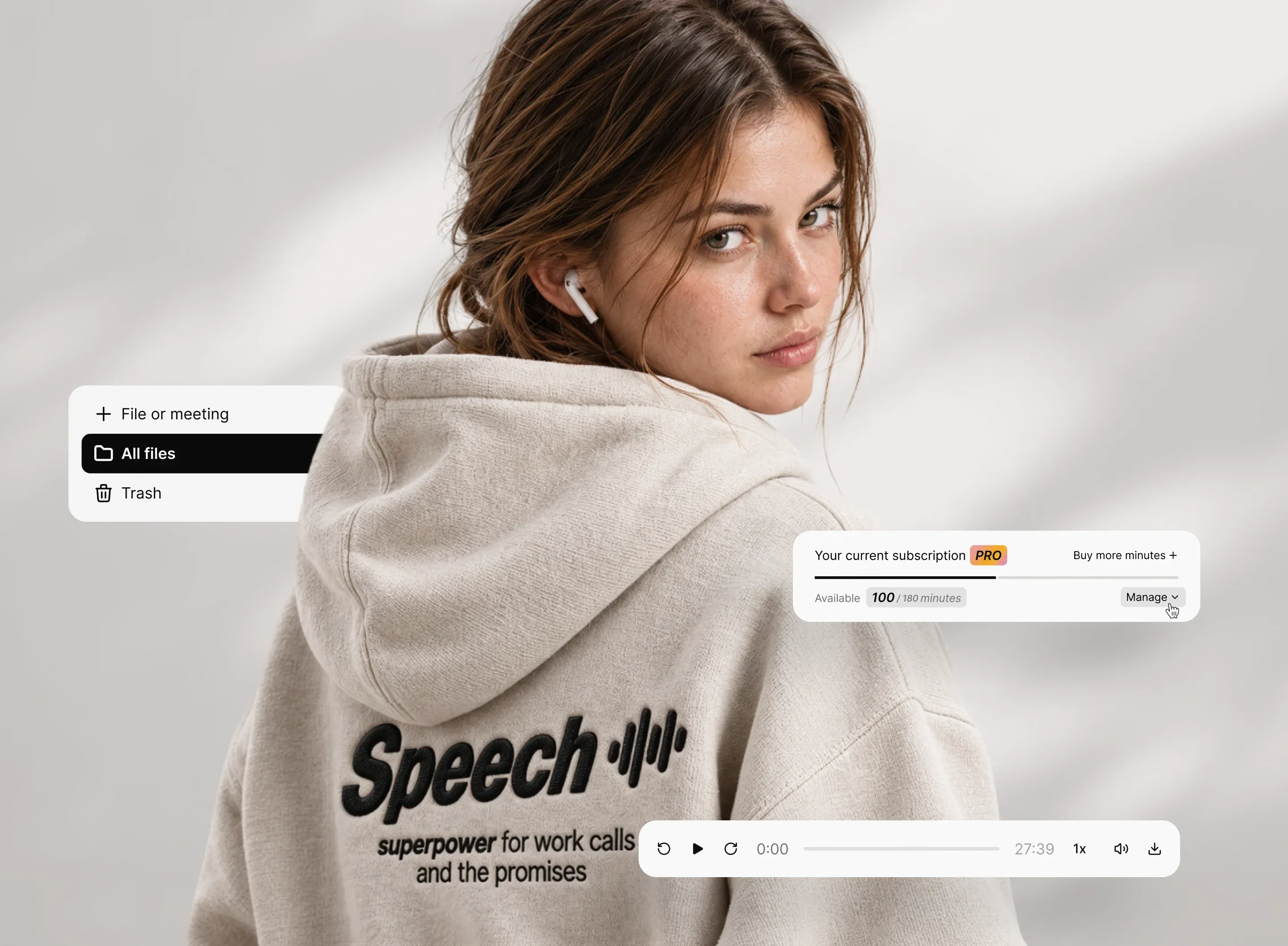
In the sidebar in the bottom left corner you can check your remaining minutes (if the balance is full, the circle around the avatar fills with black), see your plan name and switch from light theme to dark theme. Below the avatar icon is a feedback button. For now it works through a form, but soon we'll add a Telegram bot.
On the main screen — a large upload window. You can drag and drop a file, upload it through a dialog box or paste a link to it. The service immediately shows the file size and duration. If the remaining minutes on your balance are less than the recording length — we warn you in advance, before recognition starts.
The finished recording can be downloaded in several formats (DOCX, PDF, SRT subtitles), copy all text with one click or share a link — anyone can access it without authorization. Recordings can also be deleted and restored from trash. If you click on a recording, its full version opens.
Transcription
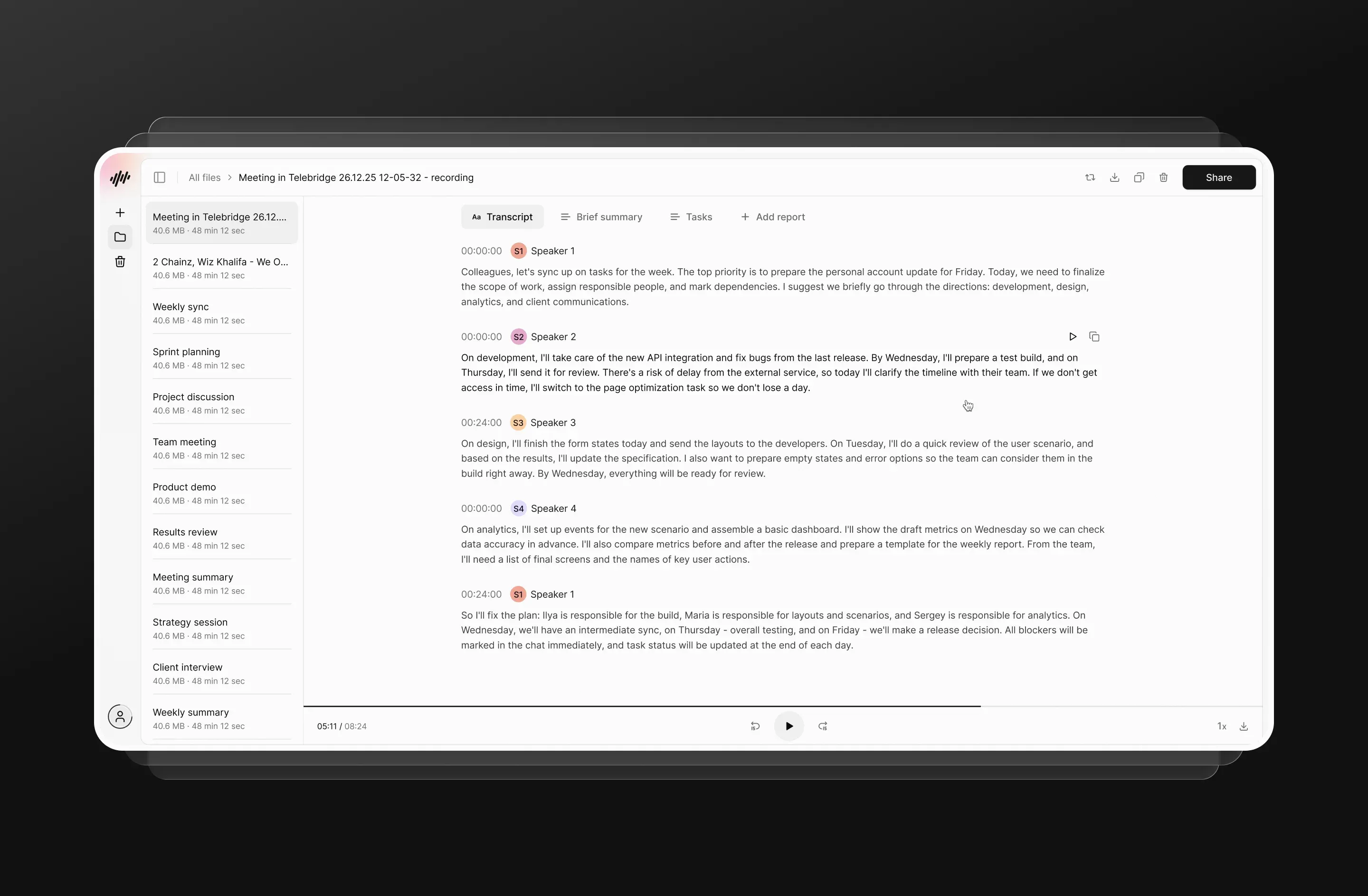
The text is immediately divided by speakers and timecodes. Each paragraph can be played separately right from the interface and copied with one click.
In the transcription window you can adjust the playback speed and volume. And there are also tabs with AI filters: brief summary, meeting notes, tasks and analytics.
Brief summaries: AI identifies key sections, captures agreements, and provides summaries. Meeting notes: agenda, decisions made, action items — all to quickly get the team up to speed and review the main points. Tasks: a separate task list with checkboxes linked to the conversation context. Analytics: reading between the lines. AI picks up emotional nuances, reveals non-obvious insights, and builds a profile of each speaker — their positions and what they emphasized.
All these insights are stored in the service and linked to specific meetings — it's more convenient than searching for notes from different chats and notes.
What we're planning next
- Integrations with video call services. Yandex Telemost, Zoom, Google Meet, and Teams — so recordings go directly to Speech after the call. And with OBS Studio — to keep a copy of important calls always at hand.
- Templates and community. We want to add ready-made protocols so transcripts can be adapted for different scenarios. For example, to formulate a patient's medical history or summarize an interview with a candidate.
- Team collaboration. For shared access to a folder with recordings.
- AI search across all recordings. To make it easier to find the right call or fragment by keyword.
And to give users the ability to share their own templates with each other — we're planning to add a community feature. Follow the project and new updates!
Try Speech — speech.systems